ABOUT JOSH
Josh Dean is a portrait photographer and professional button-pusher based in Stillwater, Oklahoma, serving clients in both Stillwater and Oklahoma City.
For more than 15 years, Josh has built Josh Dean Photography around creating senior portraits, headshots, families, and commercial work - with an equal obsession for finding better, faster ways to get from capture to finished image.
A longtime Wacom user and unapologetic Stream Deck addict, Josh has built an editing workflow around one simple idea: if he has to do something over and over again, there should probably be a button for it.
Josh is actively involved with Professional Photographers of Oklahoma and serves on the PPok Board of Directors. When he isn't behind the camera, retouching with a pen, or adding yet another button to his Stream Deck, he's probably figuring out another way to shave three clicks off something that already worked perfectly fine.
MetroPPA Guild Meeting
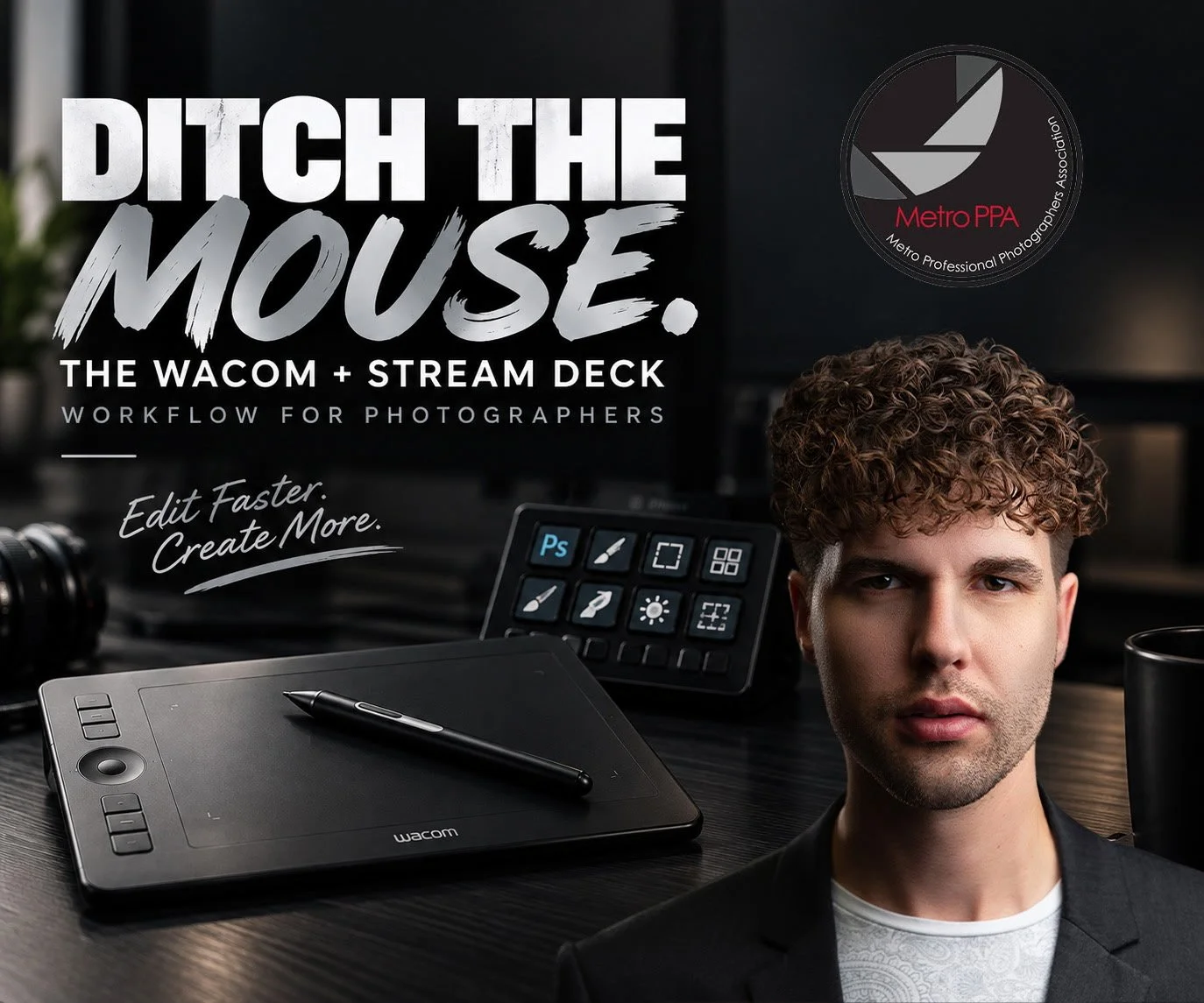
Edit Smarter with a Wacom Tablet & Stream Deck
with Josh Dean | Josh Dean Photography
📅 Monday, October 12, 2026
🕡 6:30 PM – 9:00 PM
609 W. Sheridan
Oklahoma City, OK 73102
Still editing with a mouse?
It might be time for an intervention.
Join Josh Dean of Josh Dean Photo for a practical, beginner-friendly evening designed to help photographers edit faster, work smarter, and enjoy the editing process more.
If you’ve ever been curious about using a Wacom tablet or Elgato Stream Deck, this class will show you exactly how Josh integrates both into his daily workflow. Instead of overwhelming you with endless settings, Josh focuses on the tools and shortcuts that make the biggest difference for photographers.
Whether you’re brand new to tablets or you’ve owned one for years and never really used it, you’ll leave knowing how to make these tools work for you.
You’ll Learn
Setting up a Wacom tablet for photography
Understanding pen pressure and why it matters
Faster masking and brushwork techniques
More efficient retouching in Photoshop
Navigating Photoshop with greater speed and precision
How a Stream Deck can simplify repetitive editing tasks
Workflow tips that save time every editing session
Who Should Attend?
This program is perfect for photographers who:
Edit in Photoshop regularly
Want to speed up their editing workflow
Are considering purchasing a Wacom tablet or Stream Deck
Already own one but aren’t taking full advantage of it
No prior experience with either device is required.
What to Bring
Notebook for taking notes
Questions about your editing workflow
(Optional) Your Wacom tablet if you’d like to follow along after the presentation
We look forward to seeing you!
Connect with fellow photographers, learn practical editing techniques, and discover tools that can dramatically improve your workflow.